How to Prepare Your Home's Electrical System for a Power Outage
Published on August 19, 2026
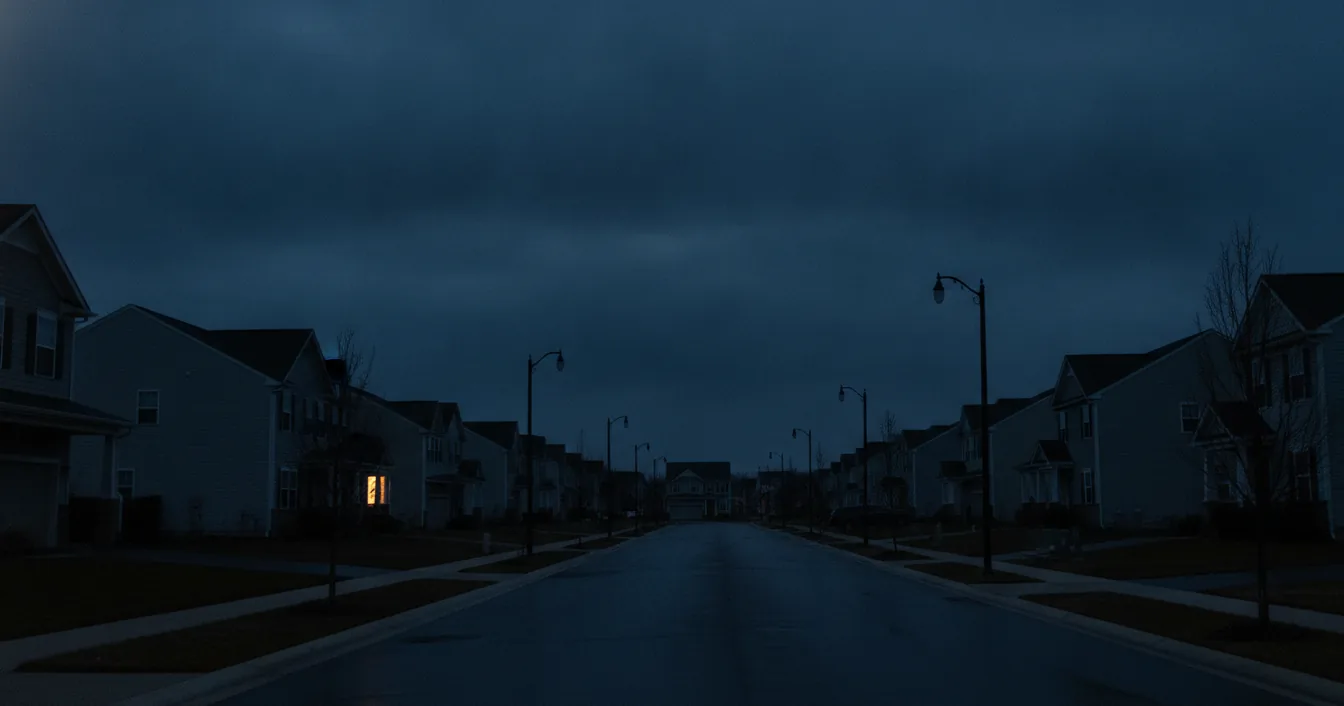
Outage prep advice is everywhere, and almost all of it is about groceries. Water, batteries, a hand-crank radio, a cooler, a full tank of gas. All of it is worth doing, and none of it touches the system that is actually failing.
Your home’s electrical system needs its own preparation, and it needs it before the forecast turns. That is true whether the threat is a hurricane, a January ice storm, a utility shutting off lines during high fire danger, or a summer afternoon when the grid simply cannot keep up. The work involved is not glamorous and most of it is invisible once installed.
Here is the part that surprises people most: the expensive damage usually does not happen when the power goes out. It happens when the power comes back. A utility restoring a circuit is switching thousands of homes onto a live feed at once, and the transients that ride along with that reconnection are what kill televisions, furnace control boards, and heat pump inverters. Preparing for an outage means preparing for the restoration too.
Layer One: A Surge Protective Device at the Panel
The single highest-value electrical upgrade a homeowner can make before outage season is a whole-home surge protective device, or SPD, installed at the service equipment.
An SPD is a fast-acting valve. It sits across the incoming conductors doing nothing at all until voltage climbs above a set threshold, then it dumps the excess energy to ground in nanoseconds and closes back up. That is what stands between a nearby lightning strike, a utility switching event, or a restoration transient and every circuit board in your house.
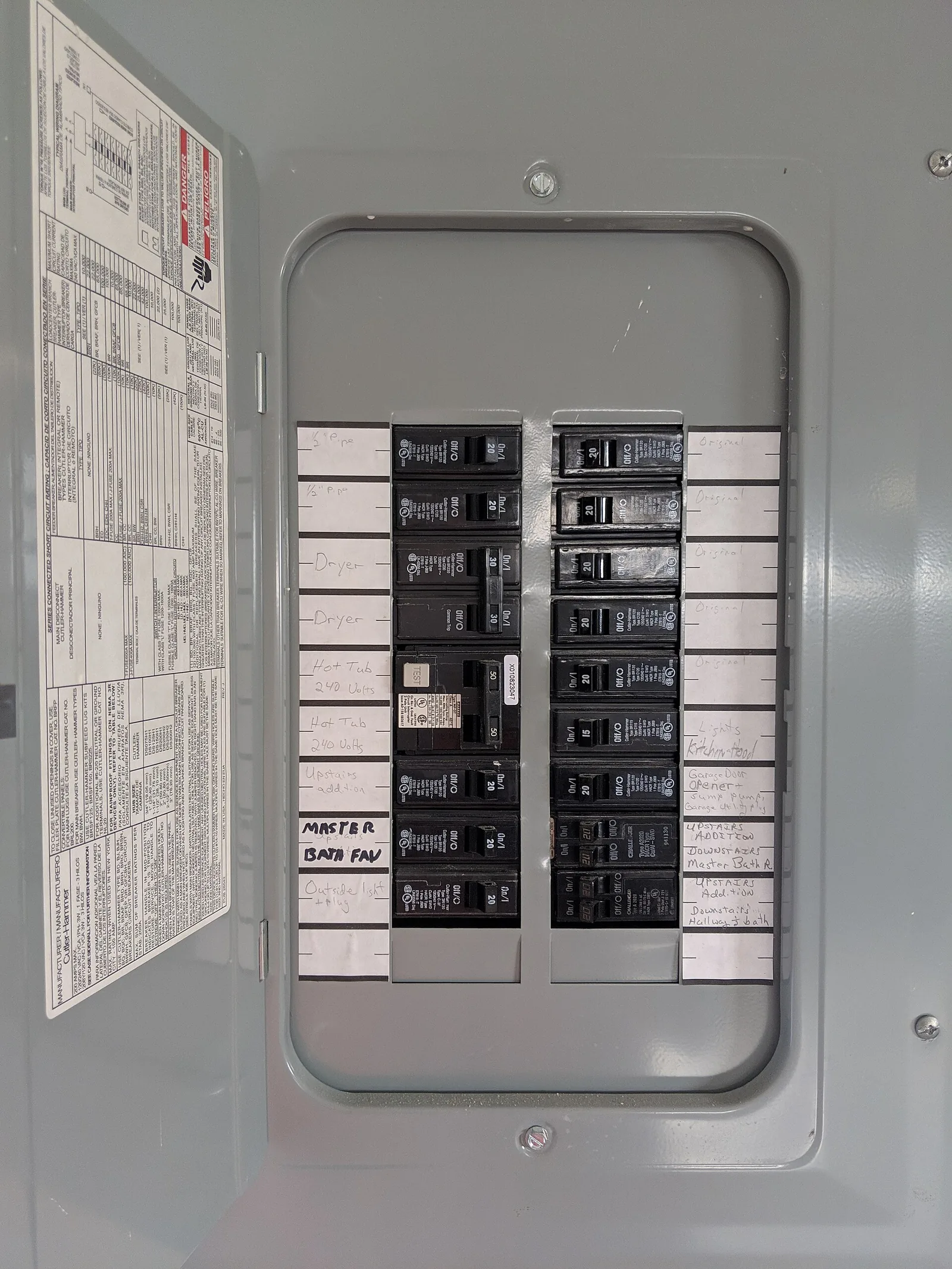
These are classified by where they are allowed to be installed. A Type 1 device can go on the line side of your main disconnect, ahead of the panel. A Type 2 device is the common residential choice and mounts on the load side, typically taking a two-pole breaker space or bolting to the side of the load center. Both are listed to UL 1449, which is the standard worth naming when you get quotes, because it is what separates a real SPD from a marketing claim.
This is not an optional nicety in current code. The 2020 National Electrical Code added Section 230.67, which requires surge protection on the service supplying a dwelling unit, and that requirement extends to service replacements rather than just new construction. Adoption is on a state and municipal cycle, so whether it applies to your house depends on which code year your jurisdiction has adopted. Ask your electrician, and expect a permit.
Two things homeowners consistently get wrong about panel SPDs. First, they are consumable. Every surge a device absorbs uses up a little of its capacity, and a single large event can retire one instantly. Nearly all of them have a status indicator light or an audible alarm, and that indicator is the only way you will ever know. Put it on the same mental checklist as smoke alarm batteries. Second, an SPD at the panel does not make everything downstream safe on its own, which brings us to the second layer.
Layer Two: Real Protection at the Outlet
A panel SPD handles the big energy coming in from outside. It does not do much about surges generated inside your own house, and it lets a residual voltage through that sensitive electronics can still feel. Point-of-use protection is the second layer, and this is where most people are quietly unprotected because they bought the wrong thing.
A power strip is not a surge protector. A strip with six outlets and a circuit breaker button is an extension of your receptacle and nothing more. A genuine point-of-use surge protector is a Type 3 device, listed to UL 1449, and it will say so on the packaging along with two numbers that matter.
The first is the joule rating, which is the total energy the device can absorb over its life. Higher is better and 1,000 joules or more is a reasonable floor for electronics you care about. The second, and the more useful of the two, is the let-through or clamping voltage: how much voltage actually reaches your equipment during a surge. Lower is better. For reference, quality units measure in the mid-500 volt range on standardized testing.
Protect the things with processors in them. Televisions, computers, network gear, game consoles, and increasingly the smart controls on furnaces, heat pumps, and major appliances. What you should not do is chain protection together. Plugging a surge strip into another surge strip, or into an extension cord, defeats both and creates a fire path. Our guide to why a bad cord is often the last link before a house fire covers the gauge and daisy-chain rules in detail.
Like panel devices, these wear out. If your neighborhood takes a serious hit, replace the point-of-use protectors afterward rather than assuming they survived.
A UPS for the Things That Cannot Blink
Surge protection guards against too much power. An uninterruptible power supply, or UPS, guards against none at all, and it is the piece of outage preparation almost no homeowner has.
A UPS is a battery and an inverter in a box. Utility power passes through it normally while keeping the battery charged, and when the feed drops the unit switches to battery fast enough that connected equipment never notices. Transfer times of around four milliseconds are typical, which is well inside what a computer power supply can ride through. Better units also include automatic voltage regulation, which smooths out the sags and swells that are common at the ragged edges of an outage and are themselves hard on electronics.
Be realistic about runtime, because this is where expectations go wrong. Independent testing puts a good consumer UPS at roughly three hours running a broadband modem and a Wi-Fi router, a load in the neighborhood of 20 watts. Larger models reach about four and a half hours on the same small load. Push that to 300 watts by adding a desktop computer and an external drive and the same units deliver 12 to 21 minutes. That is not backup power for your house. It is enough time to keep communications alive through a short blackout, or to save your work and shut down cleanly.
Which makes the sizing question simple. A UPS is for the small, always-on, genuinely critical things: your modem and router so you can check restoration maps and reach the utility, a desktop mid-project, a home security panel, a sump pump controller.
A few hard rules go with them. Follow the manufacturer’s connection instructions; many consumer UPS units must plug directly into a wall outlet and should not be connected through an extension cord or surge protector. Do not connect a motor or heating load unless the UPS is specifically designed and rated for it. If someone in your home depends on powered medical equipment, treat a consumer UPS as a bridge and nothing more. Talk to the equipment supplier about a purpose-built solution, and ask your utility whether it offers a medical-priority or outage-notification program.
For anything larger than a few small devices you have moved out of UPS territory and into backup power, where our comparison of generators, power stations, batteries, and bidirectional EVs lays out the real options and costs. Households with rooftop panels should know that solar alone does not keep the lights on without the right islanding hardware, which is the single most common misunderstanding in residential backup.
Generator Hookup: The Mistake That Kills Line Workers
If a generator is part of your plan, sort out the connection now rather than in the dark with a storm overhead.
There is exactly one unforgivable error here. Never energize your home’s wiring by running a cord from a generator into a wall outlet. That practice, called backfeeding, sends power backward through your panel and out onto the utility drop, where it can be stepped back up by the transformer on your street and electrocute a line worker who has every reason to believe the circuit is dead. It can also overload wiring and create serious fire and shock hazards.
The legitimate ways to power your circuits are a manual transfer switch or a panel interlock kit, both of which physically prevent the generator and the utility from feeding your panel at the same time. Both are licensed electrician work, both require a permit in most jurisdictions, and both are inexpensive next to the alternative.
Everything else about generators comes down to placement and fuel discipline, and the hazard that actually fills emergency rooms after a storm is exhaust rather than electricity. Our guide to why generator carbon monoxide kills more people than the outage itself covers the distance rules and alarm requirements.
Heat, Cold, and the Furnace That Runs on Electricity
One detail catches households off guard every winter: a gas furnace still needs electricity. The ignition, the control board, and the blower all run on house power, so a gas heating system goes down with the grid. Having gas service is not a heating plan.
If you keep a fuel-burning portable heater for outages, choose a model approved for indoor use and prioritize safety features over output. Look for an oxygen depletion sensor, which shuts the unit down if combustion byproducts build up, and a tilt switch that does the same if it gets knocked over. Size it to the room rather than the house, keep it clear of furniture and bedding, and follow the manufacturer’s ventilation instructions. Working carbon monoxide alarms on every level are not optional with any fuel-burning appliance indoors.
What you must never do is heat with something not designed for it. A gas oven, a stovetop, a charcoal grill, or a camp stove used indoors produces carbon monoxide in lethal quantities, and this kills people during cold snaps every single year.
What to Check When the Power Comes Back
Restoration is the moment your preparation pays off or does not.
Before it happens, turn off or unplug what you can, especially anything with a motor or a compressor. When a utility re-energizes a neighborhood, every air conditioner, refrigerator, and heat pump tries to start simultaneously, and the resulting inrush both stresses your equipment and can knock the circuit back out. Bringing your own loads back gradually over several minutes is genuinely better for them.
Once power is stable, walk the house and look for specific things:
- Any burning smell, buzzing, crackling, or warmth at an outlet, switch, or the panel. Kill the breaker and call an electrician. Do not investigate a hot outlet by touching it.
- A breaker that will not reset, or resets and trips straight back. That is a fault, not a nuisance, and our diagnostic guide to repeated tripping explains what the pattern is telling you.
- GFCI and AFCI devices, which frequently trip during an outage or restoration. Press TEST then RESET on each one. Bathroom, kitchen, garage, basement, and outdoor receptacles are the usual locations, and a dead outdoor outlet often traces to a tripped GFCI in the garage.
- Lights that are dim in half the house and unusually bright in the other half, or bulbs burning out in clusters. That is the classic signature of a lost service neutral, it will destroy appliances quickly, and it belongs to the utility. Call them immediately.
- Your SPD status indicator, since a restoration transient is exactly the kind of event that retires one.
- Anything that got wet. Water and electrical equipment do not reconcile by drying out, and our post-flood checklist covers what genuinely has to be replaced before a system is re-energized.
The Bottom Line
Preparing your electrical system for an outage is a short list done in advance: a UL 1449 surge protective device at the panel, real point-of-use protection on the electronics that matter, a UPS on your modem and router and anything mid-task, a transfer switch or interlock if a generator is in the picture, and a heating plan that accounts for a furnace that cannot light itself without power.
None of that is emergency work, which is the whole point. Every item on it is a calm weekday appointment with a licensed electrician and a permit, priced normally, scheduled at your convenience. The same work ordered at 2 a.m. in a storm costs several times as much, assuming anyone is available at all. Book it while the sun is out.
Further reading (sources)
- The New York Times Wirecutter on how a UPS keeps your network alive through a blackout
- Bob Vila for choosing an indoor-safe heater for outages
- The New York Times Wirecutter with the gear that gets a household through a winter storm
- Electrical Safety Foundation International covering home electrical safety during and after storms
- Ready.gov from FEMA on preparing a household for extended power outages